
Secret!
Secret! is a program for storing passwords, PINs, TANs - in short an application to store your confidential data. Secret! has a long standing, successful history and is available for the Palm, Windows Mobile and now for the iPhone! No matter if you are a longtime Secret! user coming from another platform or just somebody looking for the right tool to keep your precious data from the prying eye, Secret! will help you out.While Secret! is not ready for prime time yet - we're currently struggling filling out the correct forms to be allowed to export the software - it is ready for you to test. Since the slots for the beta test are limited (due to the fact, that Apple decided to put a limit on the devices which can be provisioned using AdHoc provisioning), don't be sad if you can't join the beta program. It's not us, it's not you, it's just the limited number of slots :-)
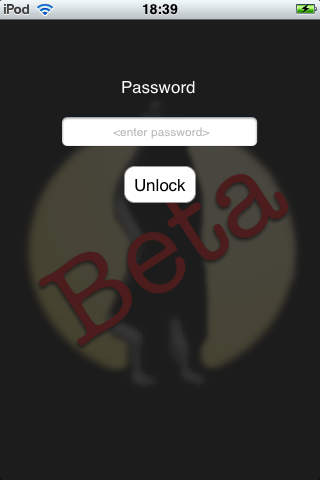 |
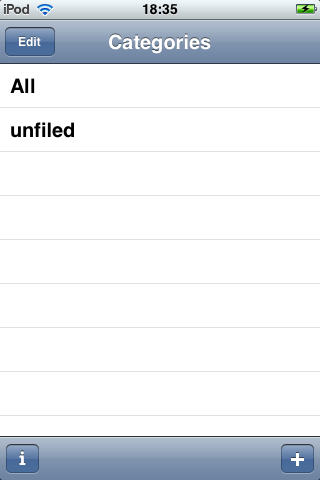 |
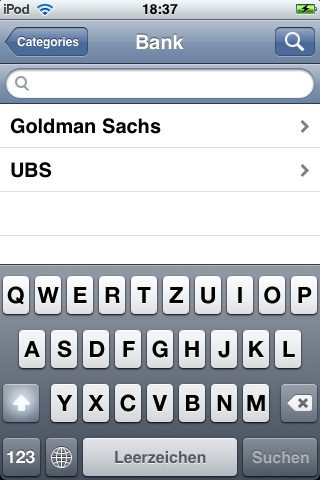 |
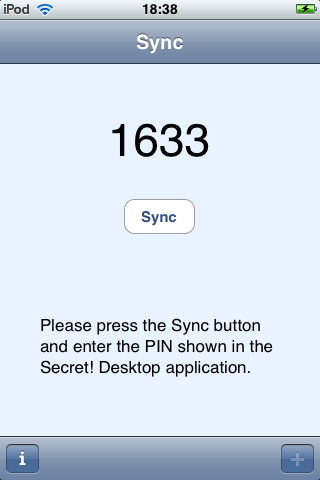 |
| Start screen | Categories view | Entries with activ. search | Sync view |
Features
- All your data is stored on your devices - not on remote servers
All data is stored locally on your iPhone and, in case you are synchronizing, on your computer. None of your data is stored on computers/serves which are under foreign control. - Strong encryption
Your data is stored encrypted on the device and protected by your password. Always remember: longer passwords are better passwords. - Synchronizes with your Computer
Secret! has the ability to synchronize your data using WLan with your Computer. So if you have to enter lot's of data and want to use all of your fingers, just use a real keyboard and synchronize later. - Works with the Mac and the PC
Secret! plays well with the Mac and the PC, so you have the choice. It syncs on the Mac with MacSecret and with Secret! Desktop on the Windows side. - Unlimited free text entry
Your data is entered in free text. No forms to fill out, just enter your information in any form you like. - Support for TANs / One Time Passwords
If your bank uses TAN lists for access control or you are obliged to use One Time Passwords, Secret! has support build right in. - Search
Search everything or individual categories.
Requirements
- You need an iPhone or an iPod touch running at least Firmware 2.1.
- If you want to try the synchronization you currently need OS X 10.5 and MacSecret 2.0 beta. Secret! Desktop for Windows will follow soon.
- You should be familiar with beta testing software and writing bug reports.
- Being fearless and not afraid of loosing your data (in case you are too fearless and are not making backups ;-) helps as well.
How to join
Please send us an email stating that you want to join the beta program. It would be nice, if you include a little bit information about yourself, e.g. if you have used Secret! before, if you have a Mac or a PC, etc. so we have a little background information.FAQs
There is not much documentation about Secret! here, is there? You are right. But that's intentionally so. We want Secret! to be as easy to use as possible and so we decided to provide little documentation for the beta test. In case you can't figure something out, we're probably doing something wrong. Please let us know.
I was not accepted! Why?? We can only have a limited number of betatesters mostly due to the fact that we have to use "AdHoc Provisioning" to let you install Secret! on you iPhone. Apple limits this to a maximum amount of 100 devices.
When will Secret! be available in the AppStore? Once the beta test is over and once we're allowed to export software which uses encryption. There are lot's of forms and bureaucracy takes a while...
What should I do if I have question, found a bug, want a special feature? Please let us know. If you want to help us finding your email quickly then please put "Secret! iPhone" in the subject.