


Secret!
Secret! is a program for storing passwords, PINs, TANs - in short an application to store your confidential data. Secret! has a long standing, successful history and is available for the Palm, Windows, Android and for iOS! No matter if you are a longtime Secret! user coming from another platform or just somebody looking for the right tool to keep your precious data from the prying eye, Secret! will help you out.After having an intensive beta test the Secret! 2.0 is now available in the AppStore. Secret! 2.0 is a complete re-write of the original Secret! for the iPhone to make it ready for the future. Already some features, like Touch ID, which were not possible before are supported.
If you have questions or suggestions do not hesitate to contact us. :-)
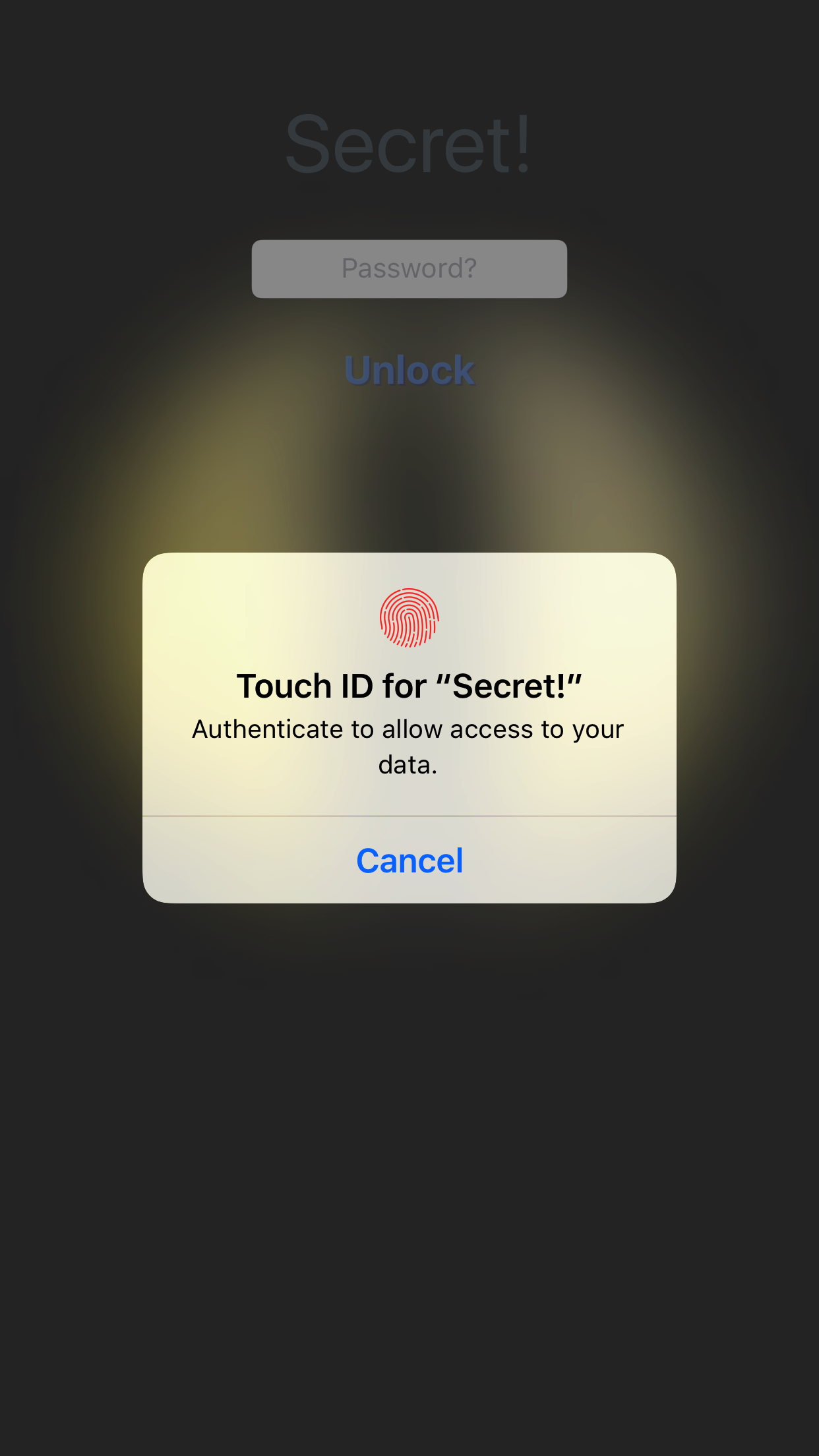 |
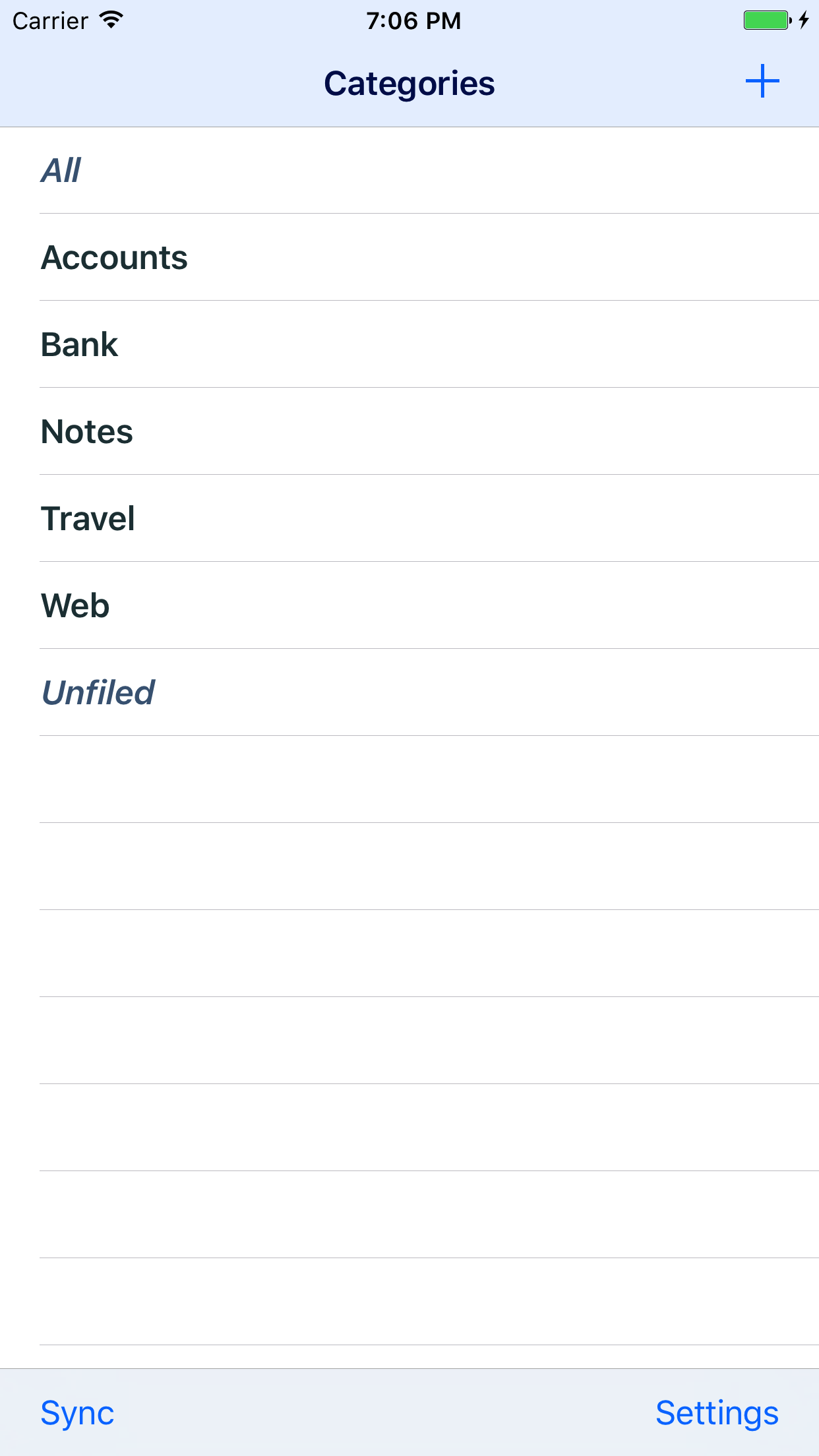 |
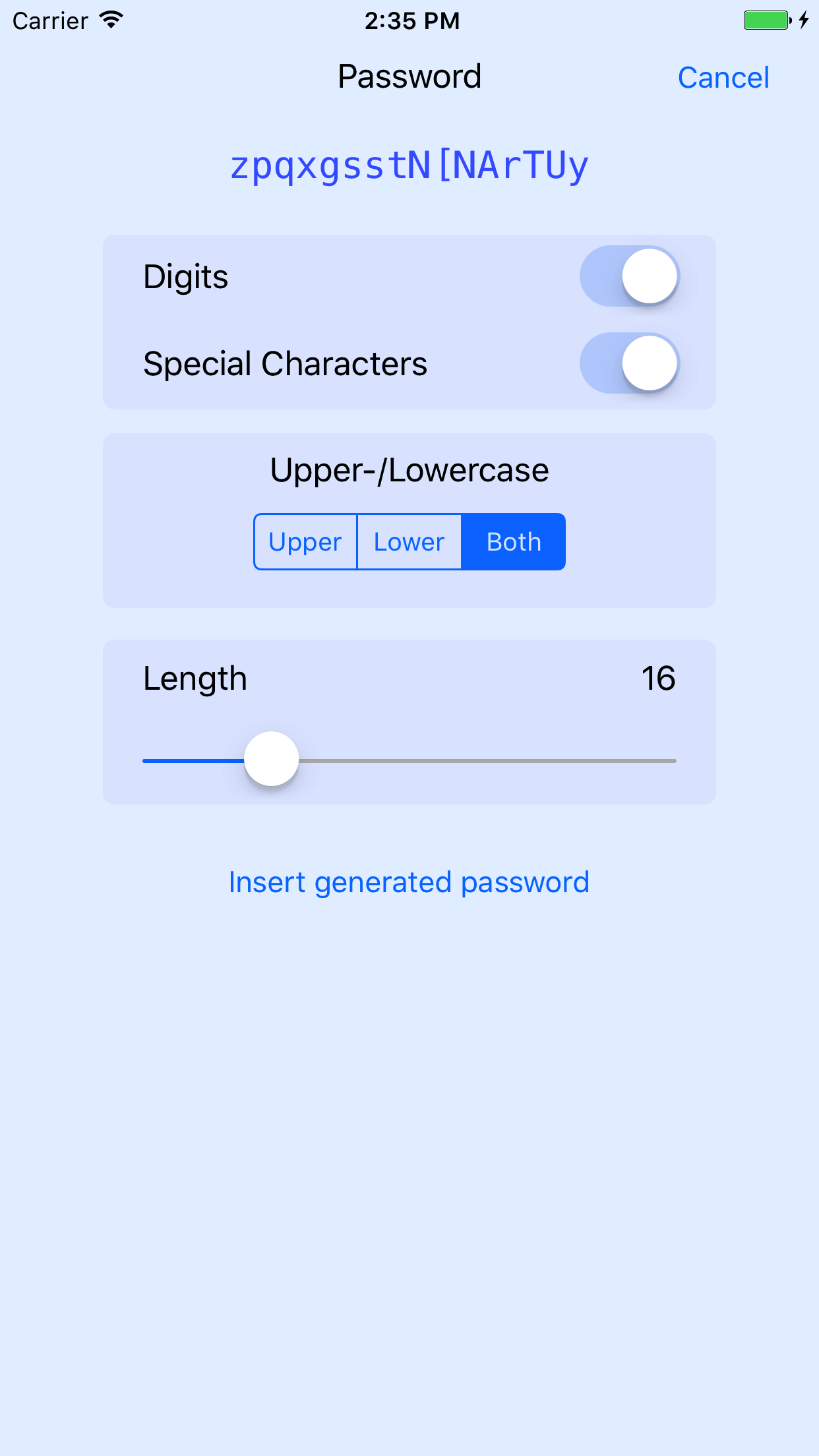 |
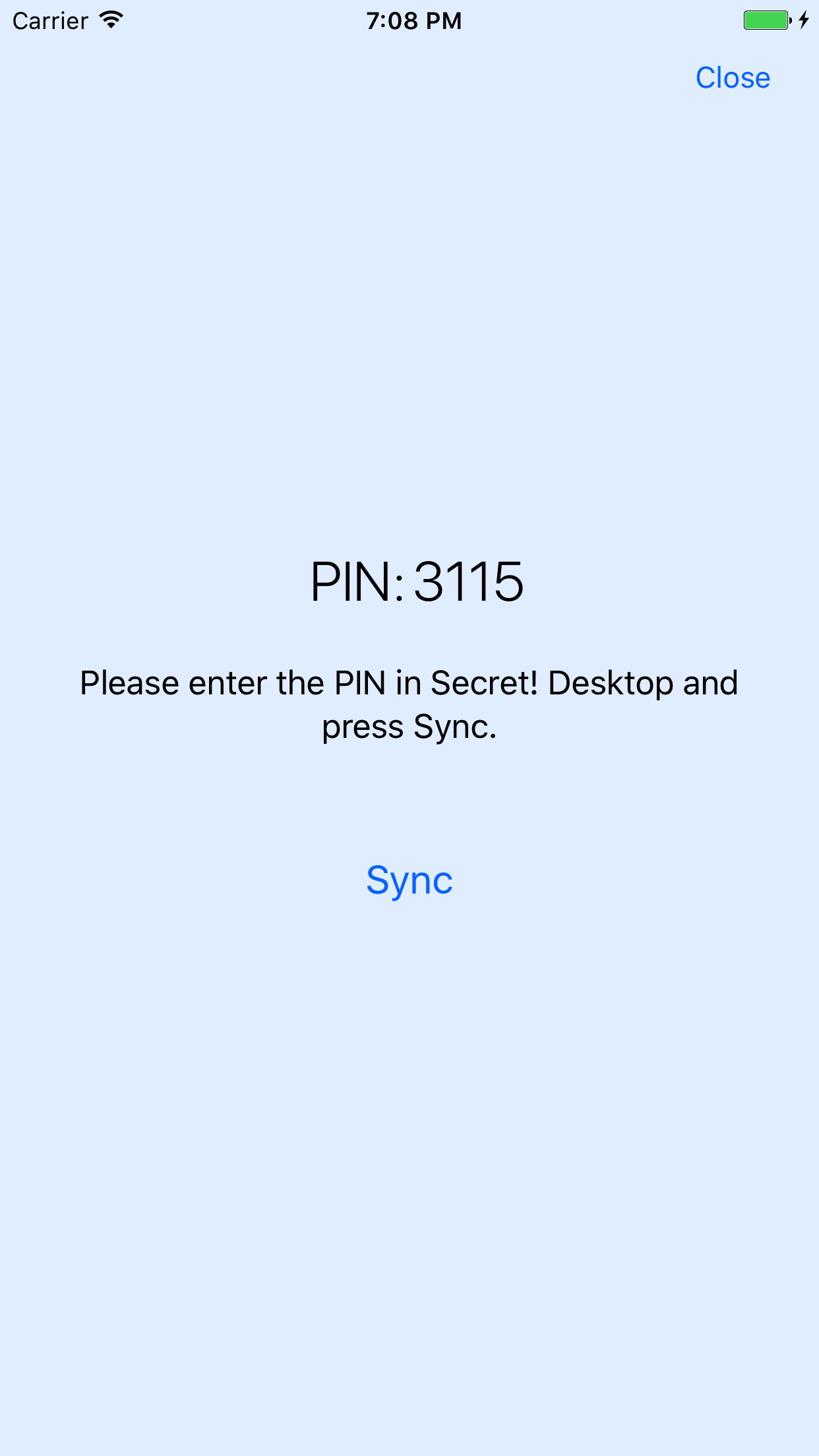 |
| Lock screen | Categories | Password generator | Sync |
Features
- All your data is stored on your devices - not on remote servers
All data is stored locally on your iPhone and, in case you are synchronizing, on your computer. None of your data is stored on computers/servers which are under foreign control. - Strong encryption
Your data is stored encrypted on the device and is protected by your password. Always remember: longer passwords are better passwords. - Synchronizes with your Computer
Secret! has the ability to synchronize your data using WLan with your Computer. So if you have to enter lots of data and want to use all of your fingers, just use a real keyboard and synchronize later. - Works with the Mac and the PC
Secret! plays well with the Mac and the PC, so you have the choice. It syncs on the Mac with MacSecret and with Secret! Desktop on the Windows side. - Unlimited free text entry
Your data is entered in free text. No forms to fill out, just enter your information in any way you like. - Support for TANs / One Time Passwords
If your bank uses TAN lists for access control or you are obliged to use One Time Passwords, Secret! has support build right in. - Search
Search everything or individual categories.
Requirements
- You need an iPhone or an iPod touch running at least iOS 10
- If you want to try the synchronization you need OS X 10.9 and MacSecret iPhone Edition or Secret! Desktop for Windows, which features syncing with the iPhone/iPod Touch is available at LinkeSOFT.
FAQs
What should I do if I have question, found a bug, want a special feature? Please let us know. If you want to help us finding your email quickly then please put "[Secret!]" in the subject.
How do I rename categories? Just tap the title of the Category in the Navigation Bar.
Will Secret! lock after a certain time of inactivity? Secret! itself has no inactivity timer itself to lock after a certain time span, instead it detects whenever the device locks itself or goes to sleep. Secret! will then require to enter the password again once the device wakes up.
Get Secret
Secret! is available directly from the Apple AppStore.Revisions
2.0.0now available |
Improvements
|